Winning the 2am Search: Emergency Plumber Visibility

Emergency searches are a different game

A homeowner with water pouring through the ceiling is not reading blog posts. They are not comparing five plumbers, checking three websites, or asking for quotes. They pull out a phone, type “emergency plumber near me,” and call the first result that looks legitimate. The entire buying decision happens in under 60 seconds, usually while standing in water.

That compresses everything you know about marketing into a single moment. There is no nurture sequence, no follow-up email, no second chance. Either you are visible and trustworthy at the moment of crisis, or the job goes to whoever is. This post covers what actually decides that moment, and how to build for it before the phone rings.

The map pack decides the winner

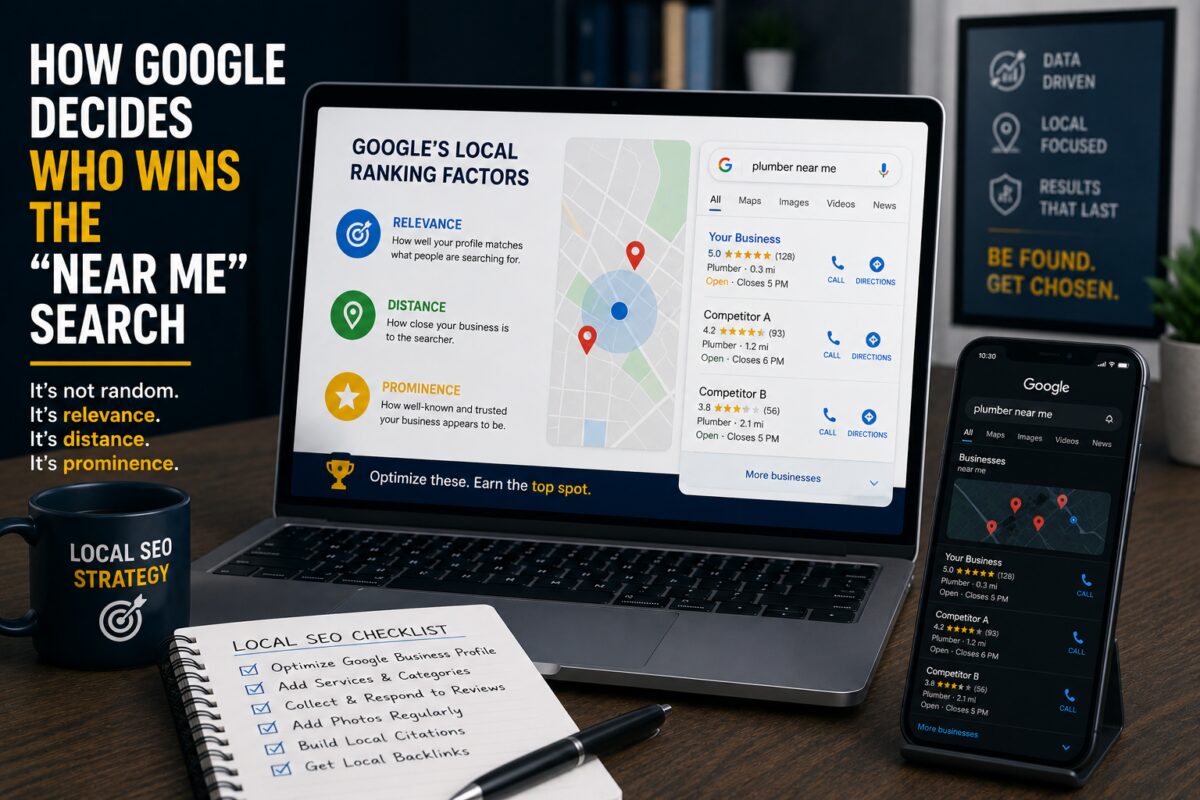
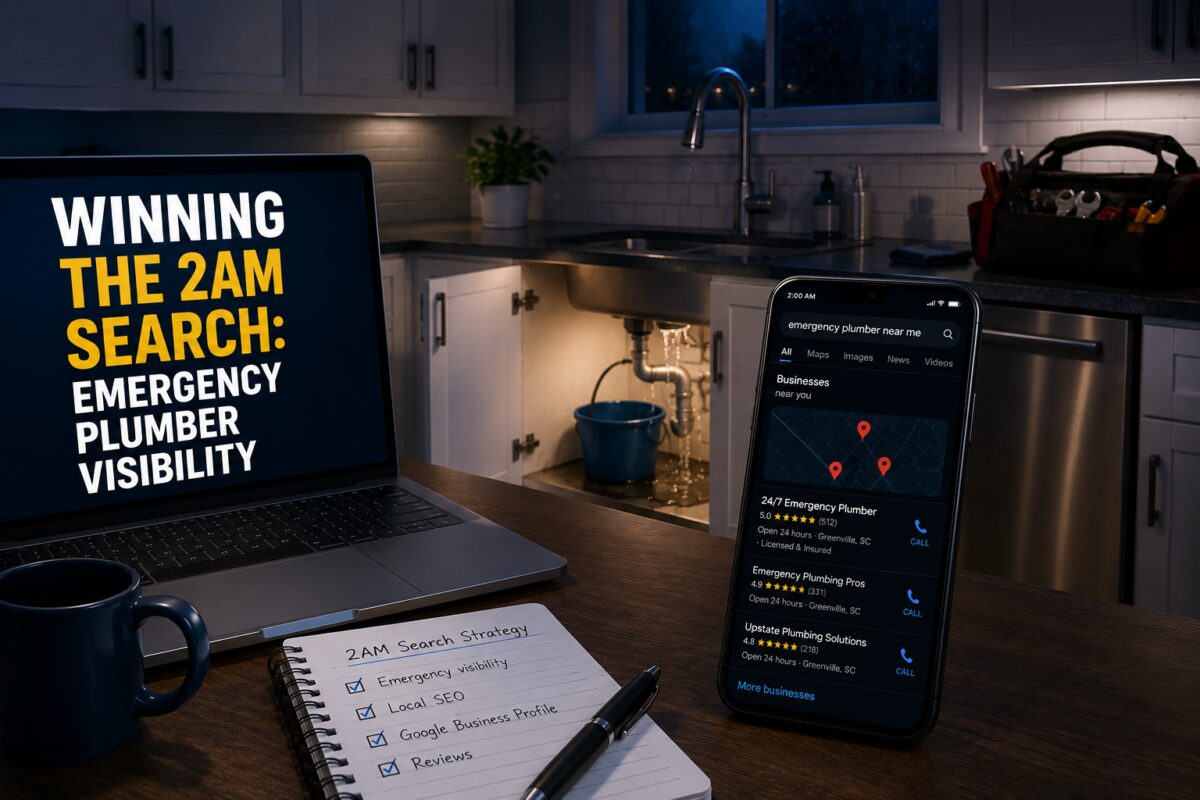
For emergency searches, the map pack is almost the entire battlefield. The searcher is on a phone. The map with three businesses is the first useful thing on the screen, and it shows exactly what a panicked homeowner needs: who is nearby, who is open, who has good reviews, and a call button. Most emergency callers never scroll past it.

That means your organic ranking on page one matters less here than anywhere else, and your Google Business Profile matters more. The profile is the product. Everything that follows is about making that profile win the 60-second evaluation.

The five signals that win the emergency search

Accurate 24/7 hours. If your profile says you close at 5pm, Google may filter you out of a 2am search entirely, and even if it shows you, the searcher sees “Closed” in red and moves on. If you offer emergency service, your hours need to say so. If you offer it seasonally or on-call, use the more hours feature to reflect reality. This is the single most common miss we see, and it is a five-minute fix.

Emergency service listed as a service. Add “emergency plumbing repair” as a distinct service on your profile with a real description: what qualifies as an emergency, how fast you respond, what areas you cover overnight. Google matches services to searches. No service listed, no match. The description also pre-answers the questions a panicked caller would otherwise ask, which shortens the call and builds confidence before it starts.

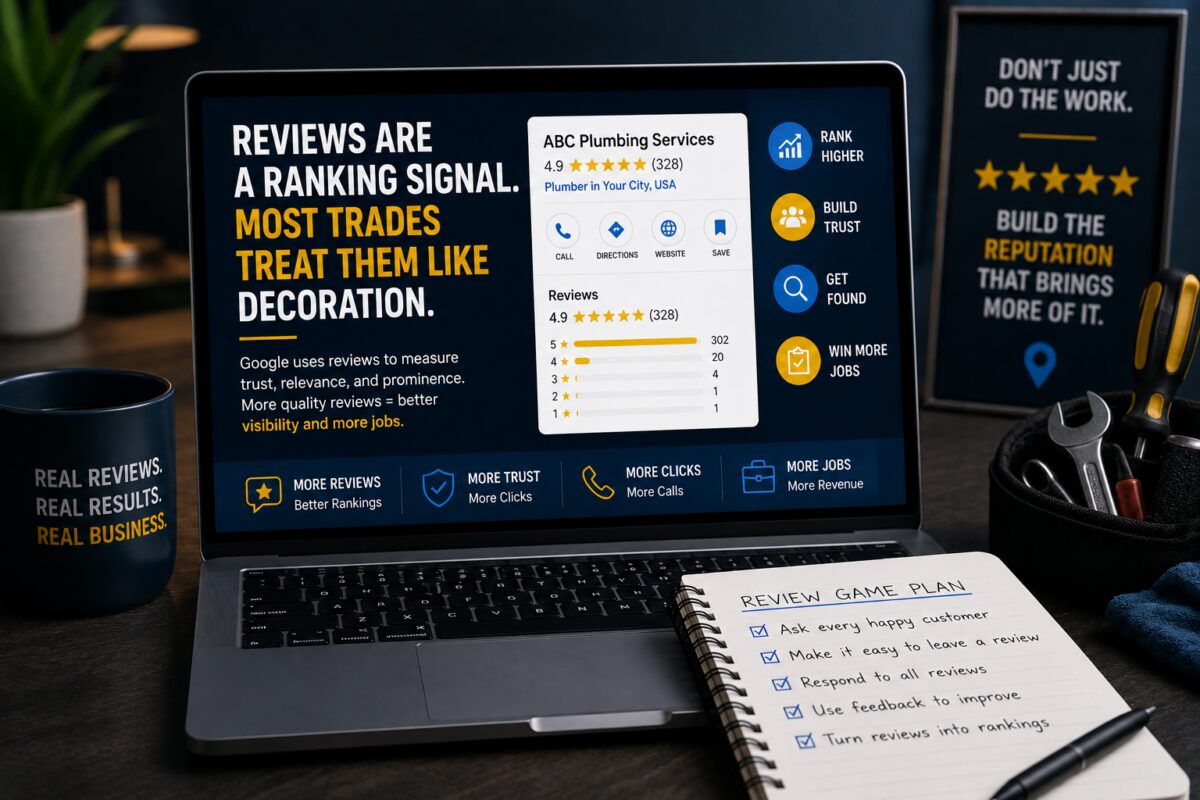
Reviews that mention emergencies. When customers write “came out at midnight” or “fixed our burst pipe on a Sunday,” those words become ranking signals for emergency searches and conversion signals for emergency readers. A homeowner in crisis scans reviews for evidence that you handle crises. Ask your emergency customers specifically to mention the situation: the time, the problem, the response. Most happy customers will if you ask.

Click to call that works everywhere. Nobody fills out a form during a flood. Your phone number needs to be tappable on the profile, tappable on your site, and answered when it rings. Test the full path on your own phone this week: search, tap, call. If any step fails, every dollar you spend on visibility is wasted at the finish line.

A fast mobile page. If the searcher does click through to your site, that page has about three seconds to load before they hit back and call the next plumber. Emergency landing pages should be light, immediate, and built around one action: the phone number, large and tappable, above everything else.

The emergency page your website needs

Beyond the profile, build one dedicated emergency plumbing page on your site. Not a paragraph on the services page. A page. It should target the emergency keyword directly, load fast, lead with the phone number, and answer the three questions every emergency caller has: do you come out now, what areas do you cover, and what happens when I call. Keep it short. A person in crisis needs confidence, not an essay.

This page also becomes the landing destination if you ever run Local Services Ads or paid search for emergency terms, which brings up the next point.

Where paid placement fits

Emergency searches are one of the few places where Local Services Ads genuinely shine. The pay-per-lead model fits crisis calls, the Google Guaranteed badge answers the trust question instantly, and the top-of-page placement puts you above the map pack itself. If your review base can compete and someone actually answers your phone at night, LSAs for emergency terms are worth testing.

But the order of operations still holds. The profile comes first, because it is free, it feeds the map pack, and it makes every paid click convert better. Paying for emergency visibility while your profile shows wrong hours is paying to send crisis calls to a dead end.

What one emergency call is actually worth

Run the real math before deciding this is not worth the effort. The emergency ticket itself carries premium pricing. The customer who got rescued at 2am becomes the most loyal customer you will ever have: they call you for the water heater next year, the repipe after that, and they tell the neighborhood group who saved them. One won emergency search can be worth five figures in lifetime revenue.

Winning that search is not about one ticket. It is about owning that household, and every household like it, at the exact moment they are deciding who their plumber is.

[Internal link: GBP page on “profile” / Plumber page on “emergency plumbing”]

FAQ

How do I show up for emergency plumber searches?

Set accurate 24/7 hours on your Google Business Profile, list emergency plumbing as a distinct service, build reviews that mention after-hours work, and make your phone number tappable everywhere. Google matches emergency searches to profiles that clearly signal emergency availability.

Do Google reviews affect emergency search rankings?

Yes. Review content is a ranking signal. Reviews that mention emergency service, after-hours response, or specific situations like burst pipes help Google connect your profile to emergency searches. Ask emergency customers to describe the situation when they leave their review.

Not showing up when the pipes burst? Book a free audit and we will tell you exactly why.

What MSP Buyers Actually Search Before They Ever Call You

The call is the last step, not the first

By the time an MSP buyer fills out your contact form, they have been searching for months. They compared vendors. They read reviews. They Googled problems at 11pm after something broke. They asked their peer group, then went back to Google to verify what their peers told them.

Research on B2B buying consistently shows the same pattern: the majority of the decision happens before a buyer ever talks to a salesperson. The vendor list gets built in private, from search results, review profiles, and content. If your site only shows up when someone types your company name, you are not in the running for any deal where the buyer did not already know you. Which is most deals.

This post breaks down the four search types MSP buyers actually run, in the order they typically run them, and what your site needs to show up for each one.

Stage one: problem searches

These come first, often long before the buyer admits they need outside help. “Why does our server keep going down.” “Email not syncing across devices.” “Ransomware recovery steps.” “Network slow after adding new users.”

The person searching is usually not the owner. It is the office manager who inherited IT by accident, or the one technical employee drowning in tickets. They are not shopping for an MSP. They are trying to fix something. But every failed fix moves them one step closer to the conclusion that this needs a professional, and the content that helped them along the way earns the first phone call.

Problem content works because it builds trust before the sales conversation exists. A blog post that genuinely explains why their backups keep failing does two things: it answers today’s question, and it demonstrates that you understand their environment better than the last provider did. When the internal fix fails, they remember who taught them something.

The mistake MSPs make with problem content is writing it for other IT professionals. The searcher is a frustrated business person. Write for them. Plain language, clear steps, honest about when the problem needs professional help. Content that talks down or drowns in jargon gets closed in ten seconds.

Stage two: compliance searches

“CMMC level 2 requirements.” “NIST 800-171 checklist.” “HIPAA compliant IT support.” “SOC 2 readiness assessment.”

Compliance searches are the highest-value searches in the MSP world, and the reason is structural. Behind every compliance search is a deadline, and behind every deadline is a budget that has already been approved or is about to be. A defense contractor facing a CMMC assessment is not browsing. Their contract eligibility depends on passing. That urgency changes everything about how fast the deal moves.

These searches also filter for quality. A company researching NIST 800-171 requirements is by definition a company with government contracts or aspirations toward them. That is a real business with real revenue, not a five-person shop looking for the cheapest possible IT support.

Compliance content should be specific and honest. Real requirement breakdowns, real timelines, real answers about who needs what. Generic “compliance is important” content converts nobody. The buyer knows compliance is important. That is why they are searching. What they need is someone who clearly understands the framework better than they do.

Stage three: comparison searches

“MSP vs internal IT cost.” “Co-managed IT vs fully managed.” “Best MSP for manufacturing.” “Questions to ask an IT provider.”

By this stage, the buyer has accepted they need help and is narrowing options. Comparison content is where you get to frame the evaluation. The MSP that publishes “10 questions to ask before hiring an IT provider” gets to choose the questions, and unsurprisingly, the right answers tend to describe that MSP.

This is not manipulation when done honestly. If you genuinely believe response time guarantees matter more than headcount, say so and explain why. The buyer gets a real education and you get evaluated on your strengths. Both sides win against the competitor whose site says nothing.

Cost comparison content deserves special mention because MSPs avoid it and buyers crave it. You do not need to publish your pricing to publish useful cost content. “What managed IT services cost and what drives the price” answers the search honestly, sets realistic expectations, and filters out buyers who were never going to afford you. Every hour your sales team spends with an unqualified prospect is an hour this content could have saved.

Stage four: local searches

“Managed IT services Greenville SC.” “IT support near me.” “Cybersecurity company near me.”

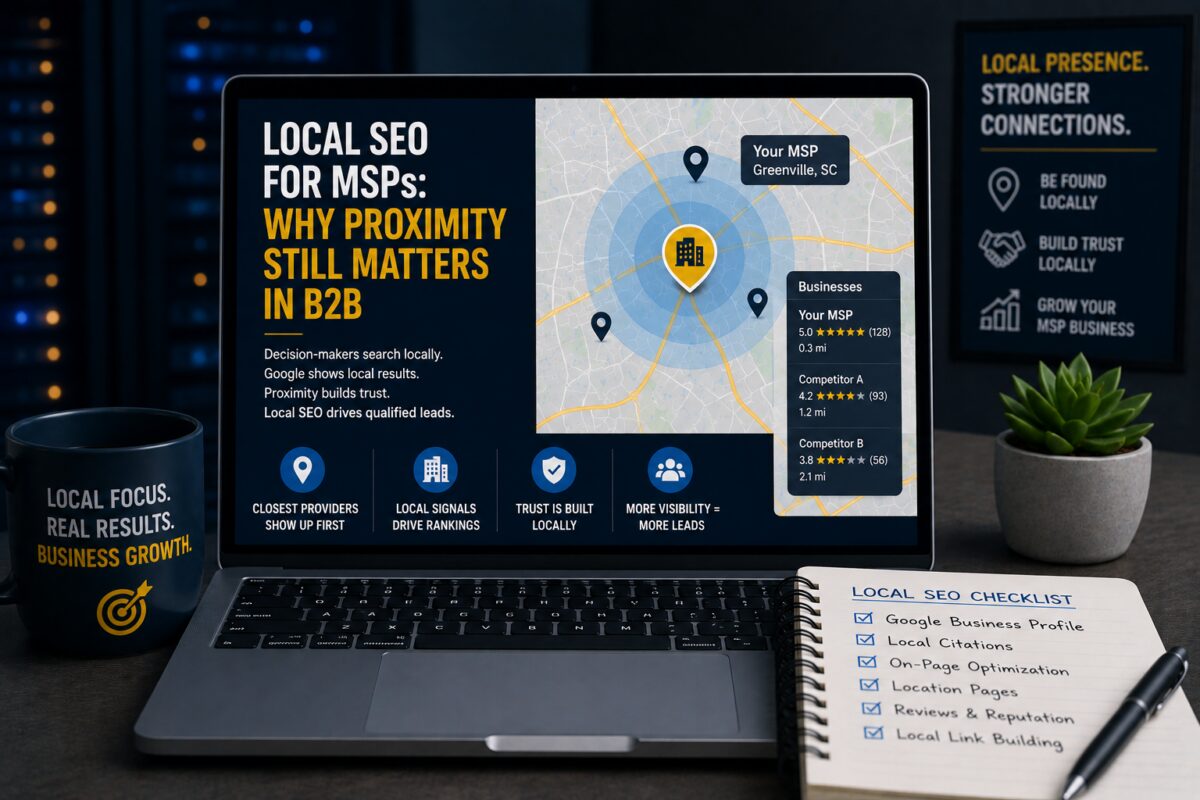
Yes, B2B buyers run near me searches. They want a partner who can put a tech in the building when something physical breaks, and they trust companies with a reputation in their own business community. Local search is also where the map pack matters: when an operations manager gets told to find three vendors to evaluate, the three businesses in the map pack have a real chance of becoming that list.

Showing up locally requires the local foundation: a complete Google Business Profile with IT categories and services, reviews from business clients, a website that plainly names your city and service area, and consistent citations. Most MSPs have none of this because they assumed local SEO was for plumbers. That assumption is your opening.

How to find these searches in your own business

You do not need expensive tools to start. Three sources sit in front of you already.

Your sales calls. Every question a prospect asks on a discovery call is a search someone else is typing into Google. Keep a running list for one month. That list is a content calendar.

Your ticket system. The problems your clients submit are the problems prospects are Googling. The ten most common ticket types are ten problem posts waiting to be written.

Search Console. If your site has any history, the Performance report shows queries you already appear for, including ones you rank on page two or three for. Those are the fastest wins available, because Google already associates you with the topic. Improving an existing page from position 15 to position 5 is far easier than ranking a new one.

Putting it together

Map your service pages to compliance and comparison intent, because those searches carry budgets. Map your blog to problem intent, because those searches build the relationship early. Build the local foundation, because the map pack is a lead source your competitors are ignoring. Then write every piece for the question a real buyer actually typed, not the topic that was easiest to produce.

The MSPs winning on search are not producing more content than everyone else. They are producing content that matches the journey. That is the entire difference.

[Internal link: MSP SEO page on “service pages” / Content Creation page on “content calendar”]

FAQ

What keywords should an MSP target?

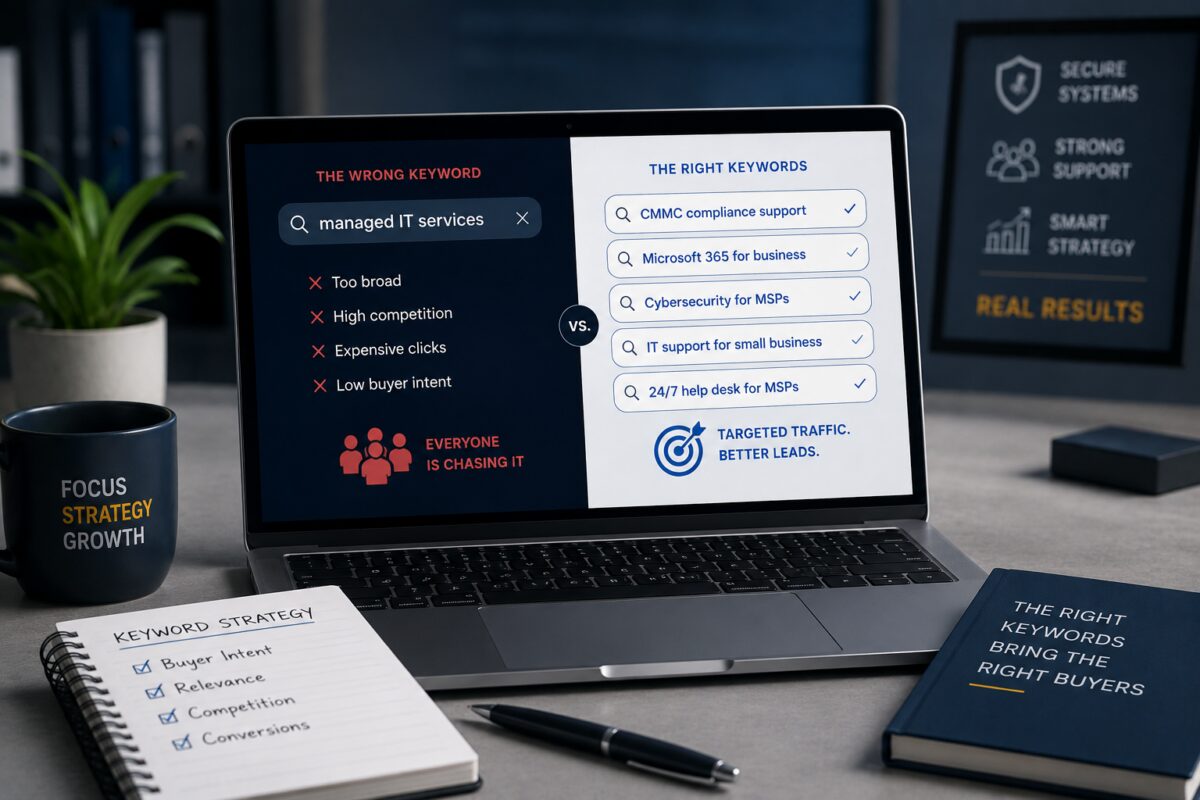
Target four categories: problem searches like “server keeps crashing,” compliance searches like “CMMC level 2 requirements,” comparison searches like “MSP vs internal IT,” and local searches like “managed IT services” plus your city. Generic terms alone put you against national competitors you will not outrank.

How long does MSP SEO take to generate leads?

Most MSPs see qualified lead movement within 90 to 180 days when targeting compliance and problem-based keywords. Generic keyword strategies take far longer. The timeline depends on your starting authority, your content quality, and how specific your keyword targeting is to actual buyer intent.

 Want to know which searches your buyers run that you never show up for? Book a free audit. We will show you the exact gaps.

Google Is Folding Local Services Ads Into Performance Max: What Home Service Businesses Should Do Before August

What is actually changing with Local Services Ads?

Google is merging the standalone LSA platform into Google Ads on a phased schedule: select U.S. home and storefront service categories beginning August 2026, service-area businesses later in 2026, and everyone else through 2027. Google will notify you before your account moves.

  • Bidding: manual bidding goes away. Everything moves to Target CPA. You tell Google what a lead is worth and its automation works to that number.
  • Budgets: weekly budgets become daily budgets (your weekly amount divided by 7), with monthly spend capped at about 30.4 times your daily average.
  • Leads: the old LSA inbox is replaced by a Lead Manager inside Google Ads. Your leads transfer; the interface changes.
  • Your business info: name, address, and hours now sync one-way from your Google Business Profile into your ads. A significant change to your profile can trigger a 24–48 hour verification review.
  • Your history: past LSA performance reports do NOT move over. If you don’t download them before migration, they’re gone.

What stays the same?

The parts that made LSAs worth running survive the move. You still pay per valid lead (calls, messages, bookings), not per click. Ads still show only on Google Search and Maps, not across YouTube or Gmail, despite the Performance Max name. And targeting stays category-based rather than keyword-based, driven by your business profile. If LSAs bring you jobs today, they should keep bringing you jobs, provided the transition doesn’t trip you.

The three things to do before your account migrates

1. Download your LSA history now

This is the one with a hard deadline. Your years of lead volume, cost-per-lead, and seasonal patterns are the benchmarks that tell you whether the new system is performing. Google has confirmed those reports won’t carry into Google Ads. Export everything, every date range you can, and store it somewhere safe. Fifteen minutes now protects years of data.

2. Get your Google Business Profile immaculate

Your GBP was already your most important local asset; now it literally feeds your paid ads. Wrong hours, an outdated address, or a sloppy category doesn’t just cost you map-pack visibility anymore; it can pause your lead flow for a day or two of verification review. Check name, address, phone, hours, categories, services, and photos. Then keep it current, because every edit ripples into your ad campaigns.

3. Know your numbers before automation takes the wheel

Target CPA bidding is only as smart as the target you give it. Before the switch, work out what a lead is genuinely worth in each service line. An emergency call and a full replacement quote are not the same lead. Under the new structure, keeping them in one campaign with one target can quietly overpay for one and starve the other. This is where a strategy conversation matters more than button-pushing.

The bigger picture: Google keeps tying everything to your business profile

Look at the direction of travel. Your Google Business Profile now powers your map ranking, your reviews, your voice-search answers (“who’s open near me right now”), what AI assistants say about your company, and from August, your paid lead flow too. One asset, five jobs. That’s also why we treat GBP work, AI visibility, and paid campaigns as one system rather than three services. The businesses that keep winning through changes like this are the ones whose foundations were already clean.

Common questions

When does the LSA change happen?

Phased rollout: select U.S. home and storefront service businesses start in August 2026, service-area businesses later in 2026, and remaining categories and countries through 2027. Google says advertisers get advance notice before their account transitions, so watch your email.

Will I still only pay for real leads?

Yes. The pay-per-lead model survives the merger: you pay for valid calls, messages, and bookings, not clicks. Ads also stay on Google Search and Maps only. The pricing model isn’t changing; the management system around it is.

Do I lose my old LSA data?

Your leads transfer, but your historical performance reports do not. Anything you haven’t downloaded before migration is gone permanently. Export your lead and cost history now and keep it as your benchmark for judging the new campaigns.

What should I do first?

Download your LSA reports today, then audit your Google Business Profile; those two cover the deadline-sensitive risks. Then decide your target cost-per-lead for each service line before automated bidding takes over. If you want a second set of eyes, that’s what our free audit is for.

Want to know if your business is ready?

We’re offering a free AI Visibility Audit for home service companies: we check what Google, ChatGPT, and voice assistants currently say about your business, review your GBP against the new requirements, and send you a short video with the three fastest fixes, delivered within 48 hours, no strings. Request yours by filling out this form.

Why Q4 Is the Smartest Time to Invest in Marketing (While Everyone Else Slows Down)

Most Businesses Coast Through Q4, That’s Why You Shouldn’t

Every year around October, something predictable happens.
Businesses start to slow down.

Marketing budgets tighten. Content calendars fade. Everyone’s attention shifts to holidays, parties, and “we’ll start fresh in January.”

But while the majority coast, the smart ones double down.

Q4 is the most strategic time to invest in marketing. The moves you make now decide how fast you grow in Q1.

The Momentum You Build Now Powers Your Next Year

SEO, advertising, and brand awareness don’t flip on like a light switch. They build momentum over time.

When you invest in marketing during Q4, you’re planting the seeds that sprout when everyone else is just waking up.

Here’s what happens when you keep your foot on the gas:

  • Your rankings improve while competitors are silent.
  • Your ads cost less due to lower seasonal competition.
  • Your pipeline fills before January instead of scrambling to rebuild it.

Search engines reward consistency.
So while others “pause,” you keep building visibility, trust, and engagement, and that compounds into real growth when Q1 hits.

Marketing Now = Faster Q1 Results

Think of marketing like fitness.
You don’t stop training in December and expect to be in shape by February.

The same goes for your business.
Every post, ad, and optimized page you publish now sets the stage for faster growth in the new year.

Q4 campaigns can help you:

  • Capture holiday traffic and turn it into repeat customers.
  • Rank for high-value keywords before your industry’s busy season.
  • Launch new offers while competitors are inactive.

When January rolls around, you won’t be starting from zero. You’ll already be in motion.

Hiring Experts Now Has Real Financial Perks

Here’s something most business owners overlook, hiring marketing experts in Q4 can count as a year-end business expense.

That means the investment you make now can directly lower your taxable income for the year.
You’re not just spending money, you’re investing it strategically while writing it off.

Plus, partnering with an agency means you don’t have to juggle planning, posting, and reporting during the busiest personal season of the year.

We handle the strategy, execution, and optimization so you can stay focused on:
Your customers
Your family
And a well-earned holiday break

A Seamless Process for a Strong Finish

At 1×1 Impression, we make end-of-year marketing easy.
We know Q4 is chaotic, which is why our onboarding is simple, our strategies are clear, and our systems run in the background while you enjoy your holidays.

Here’s how we make it work:

  1. Quick discovery call – We get to know your goals and timeline.
  2. 90-day marketing map – SEO, content, and social all aligned.
  3. We execute — you approve – No extra meetings, no overwhelm.
  4. Monthly reports – Know exactly what’s working.

You finish the year strong while we prep your brand to hit January at full speed.

Q4 FAQs

1. Is Q4 really a good time to market if sales are slower?
Yes. Lower competition means better visibility and cheaper ad costs. It’s also the perfect time to prepare your content and rankings for Q1 demand.

2. How long before I see results from Q4 marketing?
SEO and organic strategies take 60–90 days to build traction, which makes Q4 the ideal time to start if you want momentum in January and February.

3. What if I don’t have time for marketing right now?
That’s exactly why you hire experts. We handle your campaigns, content, and reporting so you can focus on your business and enjoy the holidays stress-free.

4. Can marketing expenses really help with taxes?
Yes. Most marketing investments qualify as deductible business expenses. Always confirm with your accountant, but Q4 is the best window to leverage this.

5. What services make the biggest Q4 impact?
SEO, Google Business optimization, and ad campaigns targeting your top local or seasonal keywords all drive the fastest results going into Q1.

Most business owners slow down in Q4. The smart ones use it as a launchpad.

If you want 2026 to start strong, the time to prepare isn’t January — it’s right now.

Investing in your marketing today gives you the visibility, leads, and tax benefits that carry you into the new year with momentum.

While others hit pause, you’ll be the one already moving forward.

If you’re ready to finish the year strong and start Q1 ahead of your competition, we’ll make it effortless.
Our team will build and run your end-of-year marketing strategy so you can focus on family, clients, and the holidays — while your business keeps growing.
Schedule Your Q4 Marketing Strategy Call with 1×1 Impression

7 Ways to Use ChatGPT for SEO (That Actually Move the Needle)

AI Isn’t the Strategy, It’s the Assistant

AI tools like ChatGPT have completely changed how fast we can research, plan, and create. But let’s be clear: AI is only as smart as the person using it.

A tool can suggest topics, generate outlines, and even draft paragraphs, but it doesn’t understand your goals, your brand, or your customer base.
That’s where expertise matters.

In 2025, the best SEO results come from marketers who use AI to scale strategy, not skip it.
Here are seven ways you can use ChatGPT to support real SEO growth,and why a professional strategy still makes the difference.

1. Topic Research at Record Speed

ChatGPT can help identify trending ideas, common pain points, and question-based topics faster than manual research ever could.

Try prompting:

“What are 10 blog topics a local service business could publish about to attract new customers in 2025?”

You’ll get a solid starting list. But here’s the catch, ChatGPT doesn’t know your competition or local market data.
An SEO expert does.

We take AI’s raw ideas and validate them through data tools like Google Trends or Google Search Console before deciding which ones will actually rank.

2. Creating Content Outlines That Match Intent

ChatGPT can build smart outlines when given the right direction.
For example:

“Create an outline for a blog about how AI is changing local SEO, targeting small business owners in South Carolina.”

You’ll get a clean structure that’s easy to expand.
But without SEO experience, you won’t know which subtopics need keyword targeting or how to format for AI Overviews.

That’s why strategy always comes first. The tool speeds up execution, not thinking.

3. Drafting Meta Titles and Descriptions

ChatGPT can generate dozens of meta tag options quickly, which is great for testing CTR (click-through rate) performance.

Prompt example:

“Write five SEO meta titles and descriptions for a blog about keyword research in the age of AI.”

It’s efficient, but human review is still essential.
Only a strategist understands brand tone, conversion triggers, and emotional appeal that make users click.

AI can suggest, but it doesn’t sell.

4. Writing Schema Markup and FAQs

Schema helps your content qualify for AI overviews and featured snippets.
You can use ChatGPT to generate basic schema or FAQ templates, saving time for the technical setup.

Example:

“Write FAQ schema for a blog about AI and SEO.”

But knowing which schema to apply and how to structure it for local visibility takes expertise.
The value isn’t in the code, it’s in the strategy behind it.

5. Repurposing Long-Form Content into Social Posts

ChatGPT is great for turning blogs into shorter posts for platforms like LinkedIn or Facebook.
You can prompt it to summarize, extract quotes, or write captions that link back to your site.

Example:

“Summarize this blog into three engaging LinkedIn posts.”

This is a powerful way to stay visible and keep your content alive across channels.
But again, knowing what resonates with your specific audience comes from experience, not automation.

6. Keyword Expansion and Topic Clusters

You can use ChatGPT to brainstorm keyword variations or subtopics around your core theme.
For example:

“Give me 15 related search topics to ‘local SEO for contractors.’”

Then, an expert filters those results, identifies search intent, and builds internal linking maps that actually improve rankings.

AI can surface ideas,but only a strategist can turn them into a cohesive content architecture that Google trusts.

7. Writing Smarter, Not Harder

ChatGPT helps you overcome writer’s block and speed up the drafting process.
It can even create content in your brand tone if you feed it examples.

But the most common mistake businesses make is publishing AI-generated content without optimization or strategy.

Google’s new algorithms and AI Overviews can spot generic text instantly.
That’s why every piece still needs human review, editing, and optimization.

AI should make your process faster, not cheaper.
The shortcut mindset is what kills results.

AI Doesn’t Replace Experts, It Amplifies Them

The real opportunity isn’t about replacing SEO professionals with AI.
It’s about working smarter by combining expertise with technology.

AI can’t analyze competitors, interpret analytics, or build trust signals, but it can take your insights and scale them.
That’s the difference between using a tool and leading with strategy.

If you want to use ChatGPT effectively for SEO, work with someone who knows how to ask the right questions, interpret the data, and turn insights into growth.

Because at the end of the day, AI is only as smart as the user behind it.

FAQs

1. Can ChatGPT handle SEO on its own?
No. ChatGPT can help with research, structure, and writing, but it can’t manage full SEO strategy. You still need expertise to guide direction, analysis, and optimization.

2. Is using AI content against Google’s guidelines?
No, as long as it provides value, originality, and experience-based insight. Google rewards quality, not just authorship.

3. What’s the best way to use ChatGPT for SEO safely?
Use it for brainstorming, drafting outlines, and identifying ideas — then refine everything manually for tone, accuracy, and intent.

4. Can AI improve local SEO?
Yes. ChatGPT can help create Google Business post ideas, FAQs, and local keyword lists, but ranking locally still requires proper optimization and consistent posting.

5. How can businesses use ChatGPT without losing authenticity?
Use AI as a tool for efficiency, not replacement. Always personalize, fact-check, and inject your brand’s unique voice into the final result.

AI is a powerful tool that we have access to, but only when it’s guided by strategy.
AI can create, assist, and analyze, but it can’t lead. That’s where expertise matters.

The brands winning in 2025-2026 are the ones who blend smart technology with human strategy and creativity.

If you’re ready to use AI to scale your SEO — not sabotage it — let’s build your strategy together.
We’ll create a data-backed plan that uses tools like ChatGPT to grow your visibility, authority, and client base.
Work with 1×1 Impression SEO